概述
图库
技术信息
Family
材质
虚拟配置
Social Contents
推荐产品


SENATOR Wood
概述
图库
技术信息
Family
材质
Social Contents
推荐产品
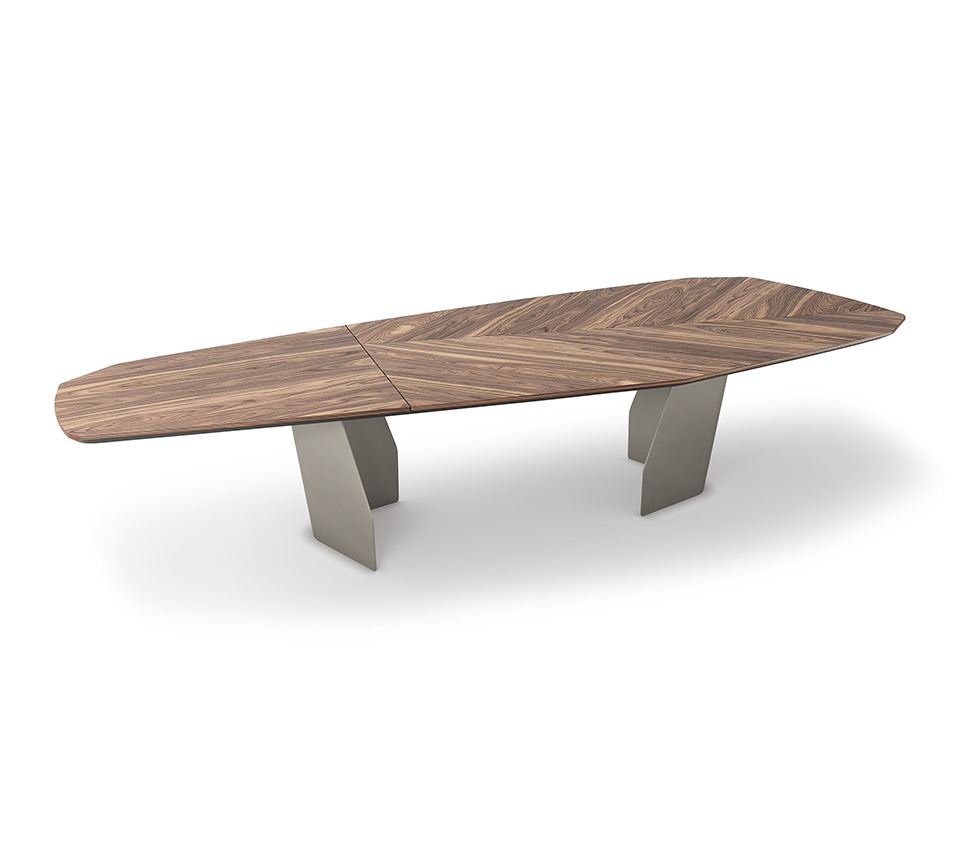
SENATOR Wood
年: 2024
Senator系列是基于Senator CrystalArt款的演变:带有用装饰玻璃制成的4米长的设计师桌。为了增加个性化的可能性,Paolo Cattelan随后设计了大理石效果的Senator Keramik陶瓷款和配有圆形桌面的木质版本Senator Round和Senator Ker-Wood Round。后一款庄重而实用,中央有一个陶瓷内嵌件,可以将各种优质实木、色彩丰富的陶瓷和金属搭配在一起,彰显现代风格。
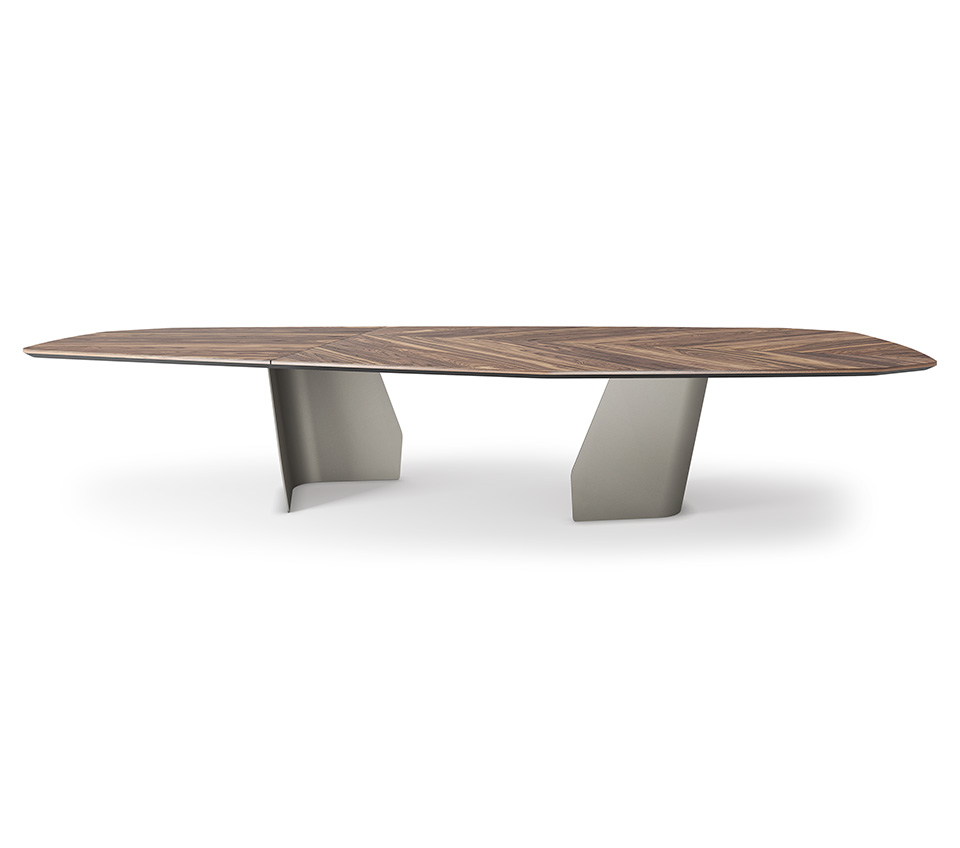
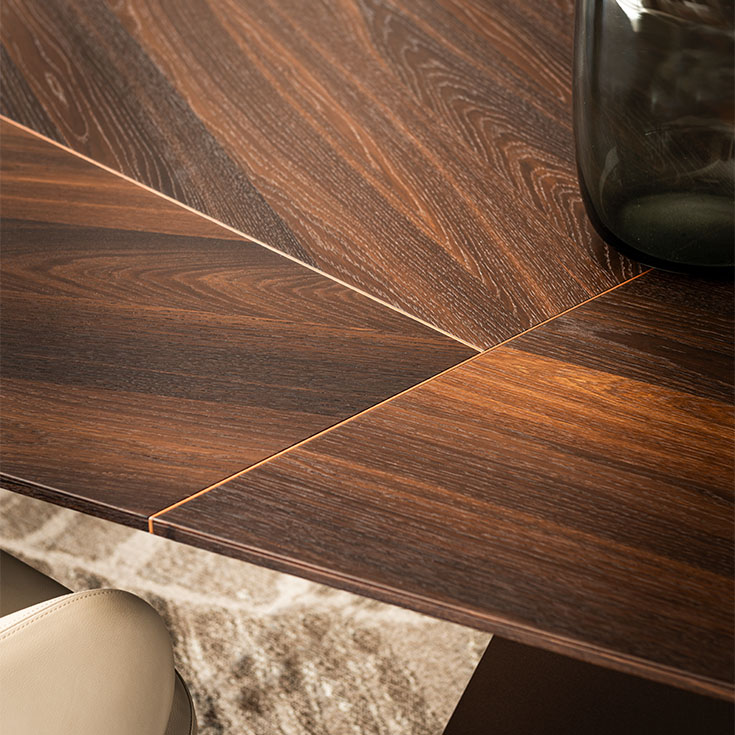
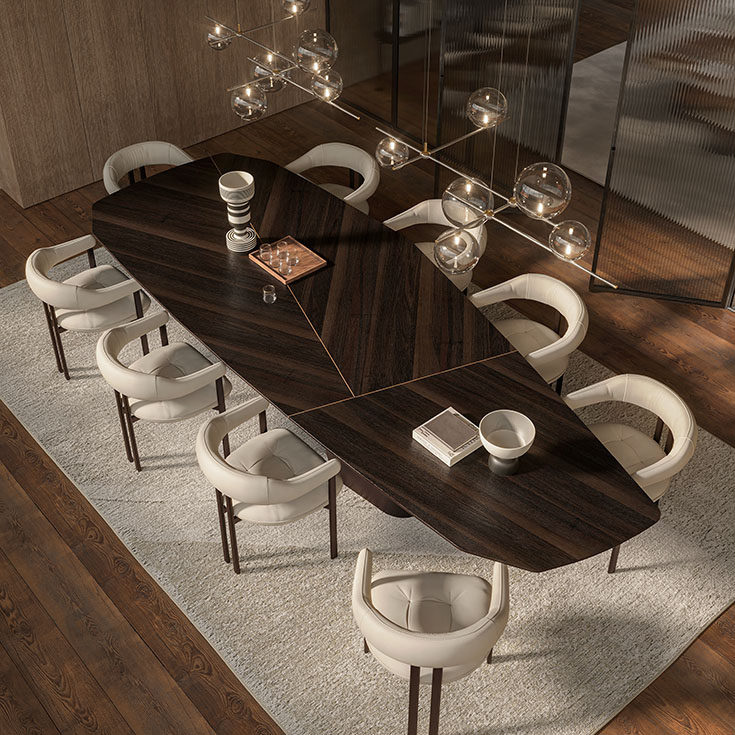
Senator Wood和Senator Keramik Magnum版本的木质或陶瓷桌面,其独特之处在于平衡的拼嵌和对比鲜明的木材交错,就像一幅不规则的拼图,拼出了这款大桌。
Magnum版本为陶瓷桌面,各个部分依次排开,拼成精心打造的图案,进一步增强了其强大的装饰力。此外,为了支撑 6米长的陶瓷桌面,底座模块重复并旋转,创造出引人注目的明暗效果。
陶瓷、木材和CrystalArt材质超大桌子各个款式,让人一眼就能感受到为实现其独特而富有个性的轮廓所需的研究和投入。
从大尺寸圆桌到恢弘的陶瓷或木质拼图桌面,每一款式都适用于住宅环境和设计承包项目。这一大尺寸设计师桌的各个款式宏伟而气派,就像真正的雕塑艺术品般引人注目。
分享:


SENATOR Wood
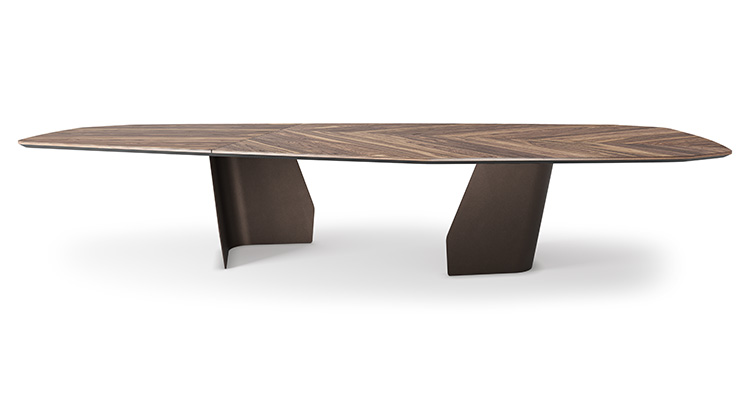
Table with base in titanium (GFM11) or bronze (GFM18) embossed lacquered steel. Top with bevelled edges in Canaletto walnut (NC) with details in burned oak or burned oak (RB) with details in Canaletto walnut. Top supplied in 3 parts in the 400 cm version. Version "Y": with bevelled edges in Canaletto walnut (NC) with details in burned oak or burned oak (RB) with details in Canaletto walnut.

如需了解更多产品信息:info@cattelanitalia.com
1. WHAT ARE COOKIES?
What are cookies? Cookies are short strings that were saved, while browsing the website, on your computer, smartphone or tablet and allow our website to recognize you after the first visit and then improve your user experience.
Cookies allow us to store and retrieve information about your browsing habits or about the device you use to access in general in anonymous and, depending on the information these cookies contain, if you are already registered, to recognize you as a user or customer.
The information we obtain refer to the number of pages you visit, the language you use, the place from which you access, the number of new users, the frequency and repetition of visits, the duration of the visit, the browser or the device with which you are connecting or using the application.
2. WHICH COOKIES DOES THIS WEBSITE USE ?
Technical cookies:
The cookies of this type are necessary for the proper functioning of some website areas. Cookies in this category include both persistent cookies and session cookies:
· Persistent Cookies: once you close your browser these cookies are not deleted but they remain until a preset deadline
· Session Cookies: these cookies are deleted every time you close the browser
Without these cookies, the website or some parts of it may not work correctly. Therefore, the cookies mentioned above are always used, regardless of the user preferences. The cookies in this category are always sent from our domain.
List of the cookies used:
_ga (term 2 years)
Cookies used by the third-party service Google Analytics. Used only to identify the users who visit website (this cookie contains identifiers).
_pk_id.XX.9aXX1 (term 1 year and 1 month)
Cookie used by the third-party service Piwik, which is used to gather information on how the users use the website. We use this information to write up reports and to help us improving the website. The cookies gathers information in an anonymous form, including the number of the website visitors, from where they arrived on the website and the pages they visited.
_pk_ses.XX.9aXX (term 30 min)
Cookie used by the third-party service Piwik, which is used to gather information on how the users use the website. We use the information to write reports and to help us improve the site. This cookie gathers information in an anonymous form, including the number of the website visitors, from where visitors arrived on the website and the pages they visited.
PHPSESSID (term browsing session)
Cookie used by PHP to keep track of the sessions (this cookie contains a unique identifier for your session on the website).
Profiling Cookies:
Profiling Cookies create users profiles and they are used to send advertising messages in line with the preferences expressed by the users in the context of browsing on the net. Due to the particular invasivity that these cookies can have in the context of the private sphere of users, Italian and European legislation requires the user to be properly informed on the use of them to express their valid consent.
They refers to art. 122 of the Privacy Code which states that "the storage of information in the device equipment of a contractor or a user or the access to information already stored are only allowed on the condition that the contractor or the user has expressed its consent after being informed with the simplified procedures laid down in Article 13 Privacy Code paragraph 3 ".
Our website does not use Profiling Cookies, however, third-party services, used for sharing feature or specific plug-in , can use them. In this regard, please read the section on cookies third party to get information on the related usage policies.
Third-party cookies:
Analysis Cookies of third-party services:
These cookies are used in order to gather information on the website use by the users in anonymous form such as pages visited, time spent, traffic sources origin, geographic origin, age, gender and interests for the purpose of marketing campaigns . These cookies are sent from third-party domains external to the Website.
Cookies used to integrate products and functions of third-party software
This type of cookie integrates features developed by third-parties into the website pages such as icons and preferences expressed in social networks to share the contents of the website or for the use of third-party software services (such as software generating maps and additional software that offer additional services). These cookies are sent from third-party domains and partner websites that offer their functionality through the website pages.
Source: Google Youtube
Source: ShareThis
Source: AddThis
Source: Google Maps
Source: Facebook
Source: Skype
3. HOW CAN I DISABLE BROWSER'S COOKIES SETTINGS?
Chrome
1. Run the Chrome Browser
2. Click on the menu in the toolbar of the browser next to the url navigation window
3. Select Settings
4. Click Show Advanced Settings
5. In the "Privacy" section click the button "Content Settings"
6. In the "Cookies" section you can change the following cookie settings:
Allow or saving data locally
Modify local data only until the browser is closed
Disallow websites to set cookies
Block third-party cookies and site data
Handling exceptions for some internet sites
Deleting one or all cookies
For more information visit the dedicated page.
Mozilla Firefox
1. Run the Mozilla Firefox browser
2. Click on the menu at the toolbar of the browser next to the url navigation window
3. Select Options
4. Select the Privacy panel
5. Click Show Advanced Settings
6. In the "Privacy" section click the button "Content Settings"
7. In the "Tracking" section you can change the following cookie settings:
Request to websites not to make any tracking
Notify sites your willingness to be traced
Do not communicate any preference on the tracking of personal information
8. From the "Chronology" section, you can:
With the enabling of "Use custom settings" select to accept third-party cookies (again, from the sites visited most or never) and keep them for a specified period (until they expire, to the closure of Firefox or ask every time)
Remove individual cookies stored
For more information visit the dedicated page.
Internet Explorer
1. Run the Internet Explorer Browser
2. Click the Tools button, and select Internet Options
3. Click the Privacy tab and in the Settings section change the slider device with the desired action for cookies:
Block All Cookies
Allow all cookies
Selection of the sites from which to obtain cookie: move the cursor in an intermediate position so as not to block or allow all cookies, press then on Sites, in the Website Address box enter a website and then press to Block or Allow
For more information visit the dedicated page.
Safari 8
1. Run the Safari Browser
2. Click on Safari, select Preferences and click on Privacy
3. In the "Block Cookie" section specify how Safari must accept cookies from websites.
4. In order to see which sites have stored cookies click Details
For more information visit the dedicated page.
Safari iOS (mobile devices)
1. Run the iOS Safari Browser
2. Tap Settings, then Safari
3. Tap on Block Cookies and choose from several options: "Never", "Third-party and advertisers" or "Always"
4. To delete all cookies stored by Safari, tap Settings, then Safari, and then click Delete Cookies and Data
For more information visit the dedicated page.
Opera
1. Run the Opera Browser
2. Click Preferences, then Advanced, and then click Cookies
3. Select one of the following options:
Accept All Cookies
Accept only cookies from the site you visit: the third-party cookies that are sent to and from a domain other than the one you are visiting will be rejected
Never accept cookies: All cookies will never be stored
For more information visit the dedicated page.
How to disable third-party cookies
• Piwik
Tool to disable google analytics on your browser: https://tools.google.com/dlpage/gaoptout/
This page is visible through the link at the bottom of all the pages of the Site in accordance with art. 122 seconds paragraph of Legislative Decree no. 196/2003 and following the simplified procedures information and the acquisition of consent for the use of cookies published on the Official Gazette n.126 of June 3, 2014 and its record of the action n.229 of 8 May 2014.